Google has made website speed a ranking factor, and they measure it using something called Core Web Vitals. But what exactly are they measuring, and why should you care? Understanding these metrics is a key part of what makes a website actually work for your business.
This guide explains Core Web Vitals in plain English, with no technical jargon, just practical information you can actually use.
What Are Core Web Vitals?
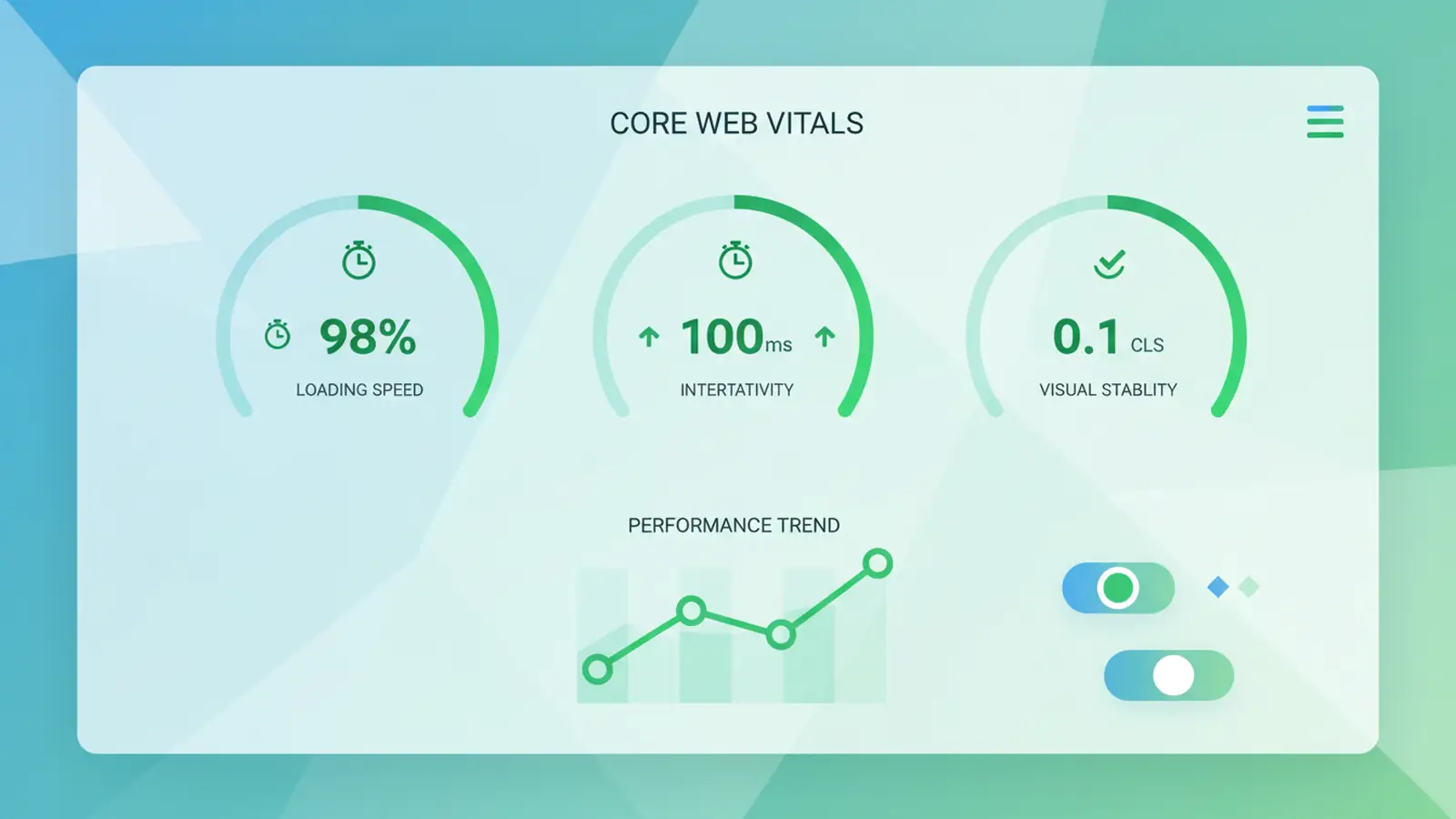
Core Web Vitals are three specific measurements that Google uses to evaluate the user experience of your website. They focus on three aspects of how your page feels to visitors:
- Loading: How quickly does the main content appear?
- Interactivity: How quickly does the page respond when you click something?
- Visual stability: Does the page jump around while loading?
Google collects this data from real users visiting your site through Chrome, making these metrics reflect actual user experience rather than just lab tests.
The Three Metrics Explained
LCP: Largest Contentful Paint
What it measures: How long until the biggest visible element loads, usually your hero image or main heading.
Why it matters: This is the moment visitors feel the page has loaded. Before this point, they are staring at a mostly blank screen.
Good score: Under 2.5 seconds
Common causes of poor LCP:
- Large, unoptimised images
- Slow server response times
- Render-blocking JavaScript and CSS
- Slow-loading web fonts
INP: Interaction to Next Paint
What it measures: How quickly the page responds when someone clicks a button, taps a link, or types in a form field.
Why it matters: Slow responses make your site feel broken. Users expect immediate feedback when they interact with something.
Good score: Under 200 milliseconds
Common causes of poor INP:
- Heavy JavaScript execution blocking the main thread
- Long-running event handlers
- Too many third-party scripts
- Large DOM size
INP can be particularly tricky to diagnose. Our colleagues at 365i Hosting have published a hands-on guide to fixing WordPress INP issues in PageSpeed Insights that walks through the most common culprits.
CLS: Cumulative Layout Shift
What it measures: How much the page layout moves around unexpectedly while loading.
Why it matters: Nothing is more frustrating than trying to click a button, only for an image to load and push everything down, making you click the wrong thing.
Good score: Under 0.1
Common causes of poor CLS:
- Images without width and height attributes
- Ads or embeds that load late
- Web fonts causing text to resize
- Dynamically injected content
How to Check Your Scores
Google provides several free tools to check your Core Web Vitals:
- PageSpeed Insights: Enter any URL and get instant results with specific recommendations
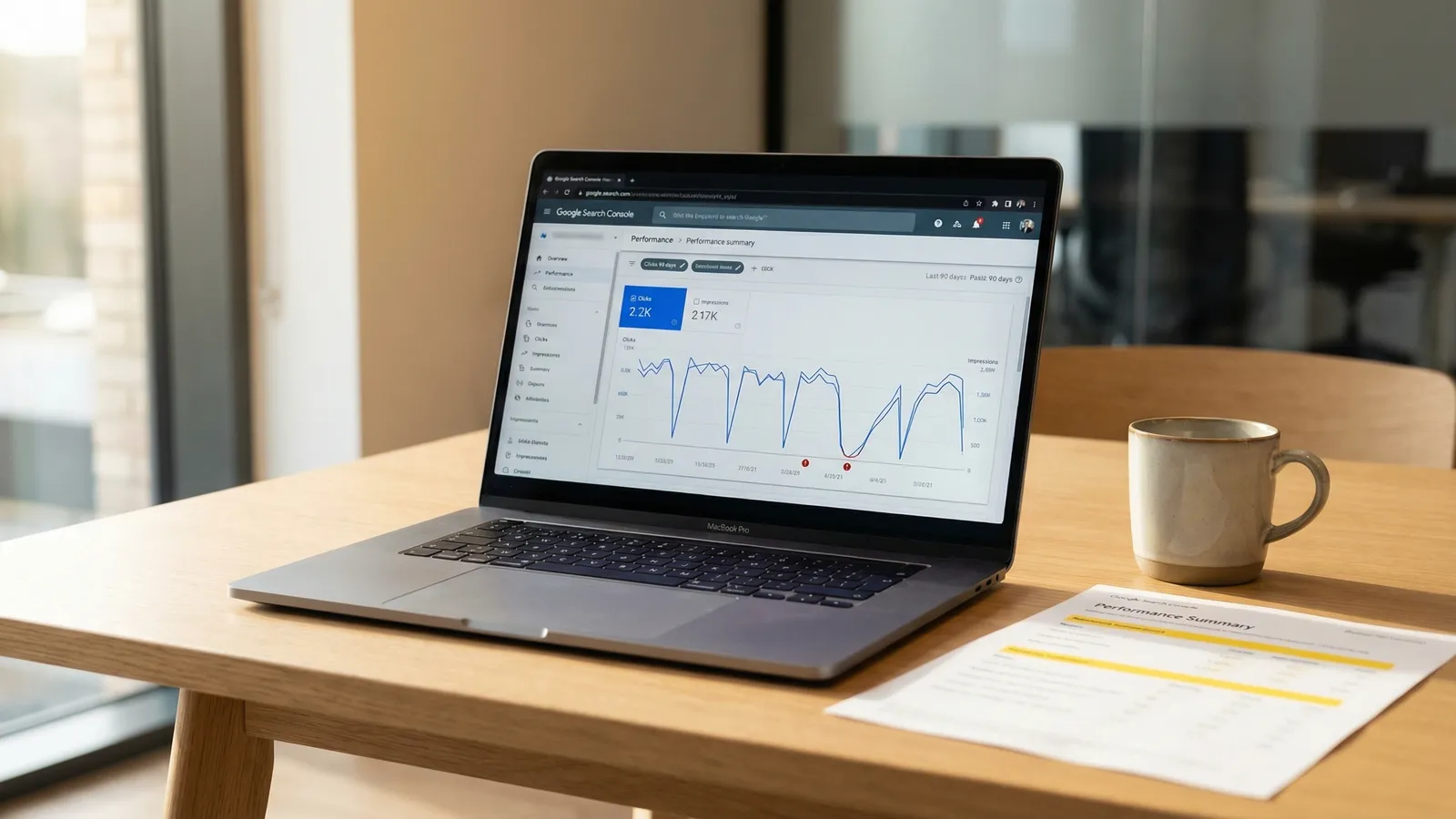
- Google Search Console: See Core Web Vitals data for your entire site based on real user data
- Chrome DevTools: Test individual pages in your browser's developer tools
The most important data comes from Search Console because it reflects actual user experiences, not just lab conditions.
Do Core Web Vitals Affect Rankings?
Yes, but with nuance. Core Web Vitals are one of many ranking factors. Google has confirmed they use page experience signals, including Core Web Vitals, when determining rankings.
However, relevance still matters most. A slow page with excellent content will likely outrank a fast page with poor content. Think of Core Web Vitals as a tiebreaker: when two pages are equally relevant, the faster one wins.
More importantly, good Core Web Vitals improve conversion rates regardless of SEO. Users are more likely to stay, engage, and convert on fast, responsive websites. The December 2025 core update reinforced this by rewarding sites that prioritise real user experience over thin optimisation tricks. Google's February 2026 Discover update goes further, adding topic expertise as a ranking signal in the Discover feed alongside existing quality metrics.
Quick Wins for Better Scores
Some improvements require technical expertise, but here are changes that often have immediate impact:
For LCP:
- Compress and properly size your images
- Use modern image formats like WebP
- Preload your largest image
- Use a content delivery network (CDN)
For INP:
- Reduce the number of third-party scripts
- Defer non-essential JavaScript
- Break up long JavaScript tasks
For CLS:
- Always specify image dimensions
- Reserve space for ads and embeds
- Avoid inserting content above existing content
When to Call in Help
While some optimisations are simple, achieving consistently good Core Web Vitals often requires deeper technical work. If your scores are in the red despite basic optimisation, it might be time for professional speed optimisation.
Common situations where expert assistance helps:
- Complex WordPress sites with many plugins
- E-commerce sites with large product catalogues
- Sites with heavy third-party integrations
- Custom-built applications with technical debt
Sometimes poor Vitals scores aren't a code problem at all. If your server response times are inconsistent, your hosting may be the bottleneck rather than your site's front-end code.
Frequently Asked Questions
What are Core Web Vitals in simple terms?
Core Web Vitals are three measurements Google uses to evaluate how your website feels to visitors. They measure loading speed (LCP), how quickly pages respond to clicks (INP), and whether the layout jumps around while loading (CLS). Google uses these metrics as ranking factors, and they're based on real user data from Chrome browsers.
What is LCP and what's a good score?
LCP stands for Largest Contentful Paint. It measures how long it takes for the biggest visible element on your page (usually your hero image or main heading) to fully load. A good LCP score is under 2.5 seconds. Poor LCP is often caused by large unoptimised images, slow server response, or render-blocking resources.
What is INP and how does it affect my site?
INP stands for Interaction to Next Paint. It measures how quickly your page responds when someone clicks a button, taps a link, or types in a form. A good INP score is under 200 milliseconds. Poor INP makes your site feel sluggish and unresponsive, typically caused by heavy JavaScript blocking the main thread or too many third-party scripts.
What causes CLS problems on websites?
CLS (Cumulative Layout Shift) problems occur when page elements move unexpectedly while loading. Common causes include images without specified dimensions, late-loading advertisements or embeds, web fonts causing text to resize, and dynamically injected content. A good CLS score is under 0.1. These layout shifts frustrate users who might click the wrong element.
Do Core Web Vitals affect Google rankings?
Yes, Core Web Vitals are a confirmed Google ranking factor. However, content relevance still matters most. A slow page with excellent content will typically outrank a fast page with poor content. Think of Core Web Vitals as a tiebreaker: when two pages are equally relevant, the faster one wins. Good scores also improve conversion rates regardless of SEO impact.
How do I check my Core Web Vitals scores?
Google provides several free tools: PageSpeed Insights for instant results on any URL, Google Search Console for site-wide data based on real users, and Chrome DevTools for testing individual pages. Search Console data is most valuable because it reflects actual user experiences rather than lab conditions.
What are quick fixes to improve Core Web Vitals?
For LCP: compress and resize images, use WebP format, and preload your largest image. For INP: reduce third-party scripts and defer non-essential JavaScript. For CLS: always specify image width and height attributes, and reserve space for ads and embeds. These changes often have immediate impact without requiring major technical work.
Why do WordPress sites often have poor Core Web Vitals?
WordPress sites can struggle with Core Web Vitals due to too many plugins loading unnecessary scripts, poorly coded themes, unoptimised images, and lack of proper caching. Complex sites with many plugins are particularly affected. However, WordPress 6.9 introduced significant performance improvements including on-demand CSS loading that help address many of these issues at the core level.
When should I get professional help for Core Web Vitals?
Consider professional help if your scores remain poor despite basic optimisation, or if you have a complex WordPress site with many plugins, an e-commerce site with large product catalogues, heavy third-party integrations, or custom-built applications with technical debt. Expert assistance can diagnose root causes and implement solutions that stick.
Need Help With Performance?
Our speed optimisation service can dramatically improve your Core Web Vitals scores. We diagnose the issues and implement solutions that stick.
Learn About Speed Optimisation